
Transcript field guide
How to find Amazon product mentions and timestamps in YouTube videos
Locate the exact moment a physical product appears, confirm what the video supports, and carry that evidence into a reviewed Amazon link.
The short answer
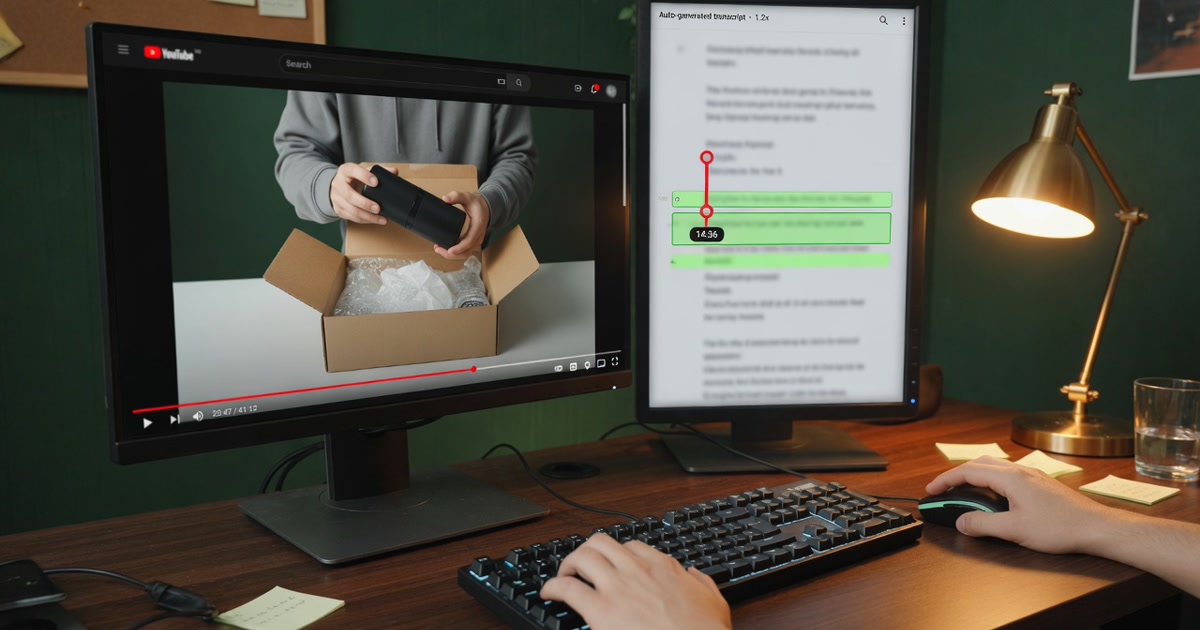
Search the timecoded transcript for the product name and likely variants, review the surrounding video moment, then save the closest useful timestamp with a product label the evidence can support. Verify the Amazon destination before publishing it.
Timestamps matter because they keep a product link attached to its source. A viewer can jump to the demonstration or explanation, and the creator can catch mismatched models before an inaccurate link reaches the description.
Manual method
Find product moments with the transcript and player.
- 01
Open the video transcript and search for the product, brand, model, and conservative speech-to-text variants.
- 02
Jump to each match and listen around it so the timestamp reflects the useful product context, not a stray word.
- 03
Record the product name, nearest accurate timestamp, and what the creator actually says or demonstrates.
- 04
Open the intended Amazon destination and verify that it matches the product evidence in the video.
Model names are easy to mishear. Search brand fragments and phonetic variants, but never change the product identity unless the audio or visuals support the correction.
Faster method
Generate timestamped Amazon product candidates with the full kit.
Monetize Mentions reads the available timecoded captions, returns physical products supported by the transcript, and pairs each one with a timestamp plus an Amazon search or direct-product URL. It packages those links with chapters, tags, and editable description copy.
Verification rules
Use the narrowest product identity the video can prove.
If the transcript says “portable charger,” the result should not invent a brand and model. If the transcript clearly names a model, verify the listing against the audio and visible product before replacing a safe search link with a direct page.
- The product is a purchasable physical item, not software or a service.
- The name or conservative category is supported by the transcript.
- The timestamp opens near the useful product context.
- The Amazon destination matches the supported identity.
- The recommendation or description still reflects your present view.
Build the description
Carry the timestamp evidence into the final Amazon link block.
Keep each product name beside its timestamp and URL. Add your own Associates tracking ID only if you control an eligible account, retain the appropriate disclosure, and publish the reviewed copy manually.
Review the Amazon link and disclosure workflow →Build an Amazon-focused YouTube channel plan →Common questions
Product-timestamp questions from creators.
Can software find Amazon products mentioned in a YouTube video?
It can use available captions to identify transcript-supported physical products and timestamps. Speech recognition and model output can still be wrong, so the creator must verify each moment and Amazon destination.
What if the transcript names only a generic product?
Use a narrow Amazon search link for the supported category instead of inventing an exact model. Replace it with a direct product page only when the video gives enough evidence to verify the item.
Should every product mention become an affiliate link?
No. Keep products that are useful to the viewer and accurately represented by the video. Remove background objects, mistaken caption matches, and destinations you cannot verify.
Keep the moment attached
Find the product once, then build the whole Amazon-ready kit.
Start with a YouTube URL, review the transcript-supported products, and leave with timestamped Amazon links plus the rest of the upload details.