
How it works
From finished video to Amazon-ready upload kit.
Five focused stages turn transcript-supported physical products into Amazon links alongside editable YouTube metadata—without connecting to your channel.
Five-stage workflow
What happens after you add a video.
Generate the whole kit or choose only the outputs you need for this upload.
Paste the video
Start with a YouTube watch, Shorts, live, or youtu.be URL. Public and unlisted videos work when a caption track is available.
Read the source
The server fetches timecoded captions plus the title, channel name, thumbnail, and duration. Your YouTube account is never connected.
Map the chapters
Meaningful topic changes become concise chapter titles in chronological order, with the first chapter anchored at 00:00.
Package tags & products
Search phrases are ranked and fitted to the 500-character tag limit. Physical products receive ranked direct-listing candidates, a confidence explanation, transcript evidence, and a visible search fallback when the exact item is uncertain.
Verify, edit & copy
Review the listing image, title, model, ASIN, and source excerpt. Confirm the exact product for monitoring, then edit and copy the complete kit or download it as a text file.
Details
The parts worth knowing.
Does it need access to my YouTube channel?
No. The generator uses the video URL and available captions. It cannot see your YouTube Studio account, edit a video, or publish metadata.
What makes a useful chapter?
Chapters follow meaningful topic shifts rather than arbitrary time intervals. They stay chronological, begin at 00:00, and use natural titles that tell a viewer what comes next.
How do product links work?
The model includes only physical products supported by the transcript. The app ranks direct product candidates using the supported name, brand, and model, then shows a listing image, title, ASIN, match reasons, and exact transcript excerpt. If no candidate clears the confidence threshold, the result stays a clearly labeled Amazon search link. You make the final choice before publishing.
What does link-health monitoring change?
For signed-in creators, confirmed ASINs are checked periodically for availability, removal, and a material identity change. The workspace groups every affected video and can prepare replacement product blocks. It never substitutes a listing before you approve it or edits YouTube on its own. After approval, an optional smart link follows the verified replacement while its public URL stays the same; a raw Amazon URL still needs updated copy.
What does an editable smart link store?
For a confirmed product, you can create a stable MonetizeMentions URL with its own optional Associate tag. You can verify a new Amazon destination, disable the redirect, or export the original destination and complete destination-change history. If you rename it, the old URL stops redirecting but remains reserved so another creator cannot claim it. This version does not track clicks, localize storefronts, or route to arbitrary websites.
Can I add an Amazon Associates tag?
Yes. Add your own tracking ID before generating. It is appended to each Amazon link, and the description starts with the standard Amazon Associate disclosure. Confirm any additional disclosure your content requires.
Where do the service keys live?
Provider keys are read only on the server. The browser never receives them. Successful transcripts and generated kits may be cached to avoid repeat upstream charges. See the privacy notice for details.
Creator field guides
Put the generated details to work.
Review timestamps, use product links responsibly, and build a more repeatable publishing workflow.

Inspect a three-video upload-kit test
See product coverage, timestamp alignment, chapter, tag, and link-format results—including the misses.
Read the study →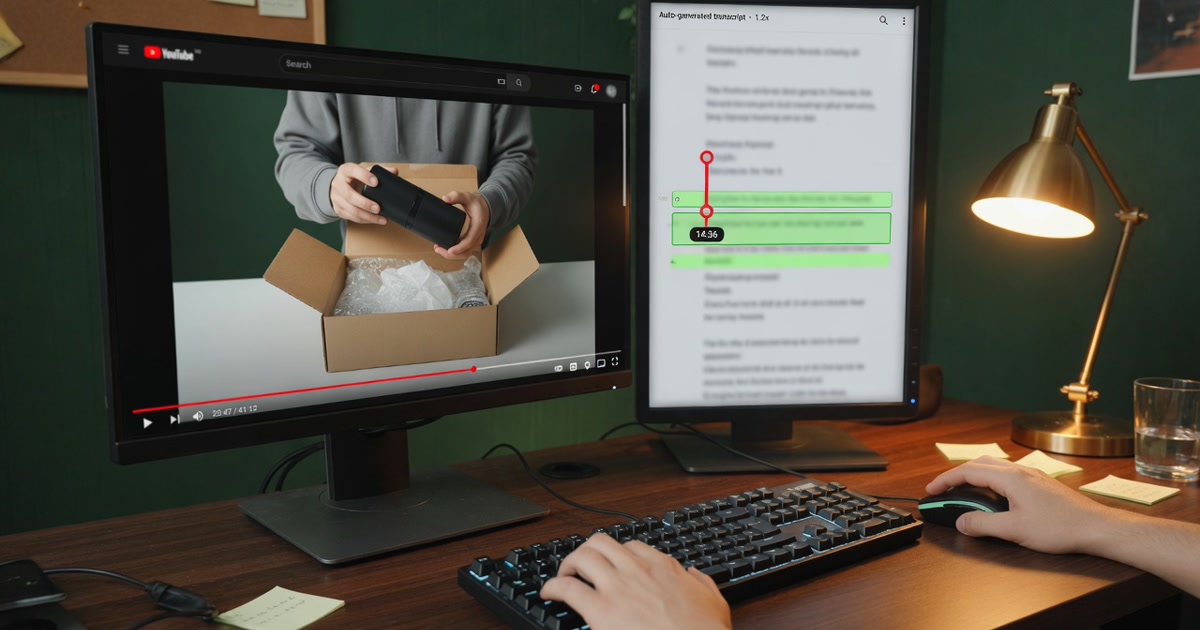
Find exact moments inside a long video
Use timecoded captions to verify chapters and product references before publishing.
Read the guide →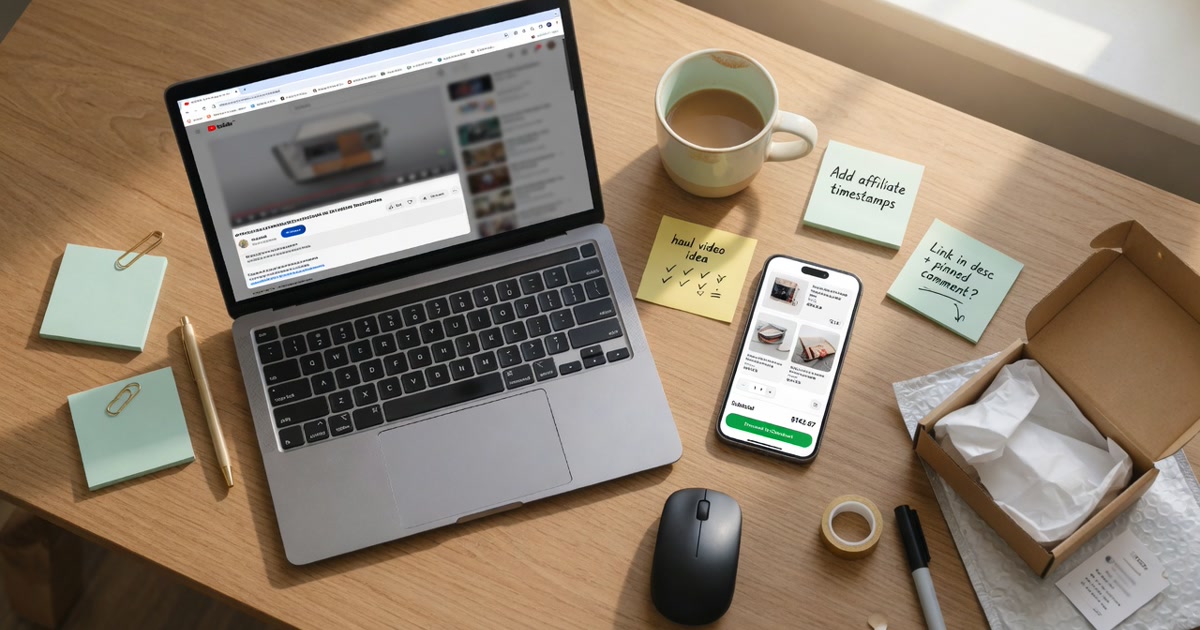
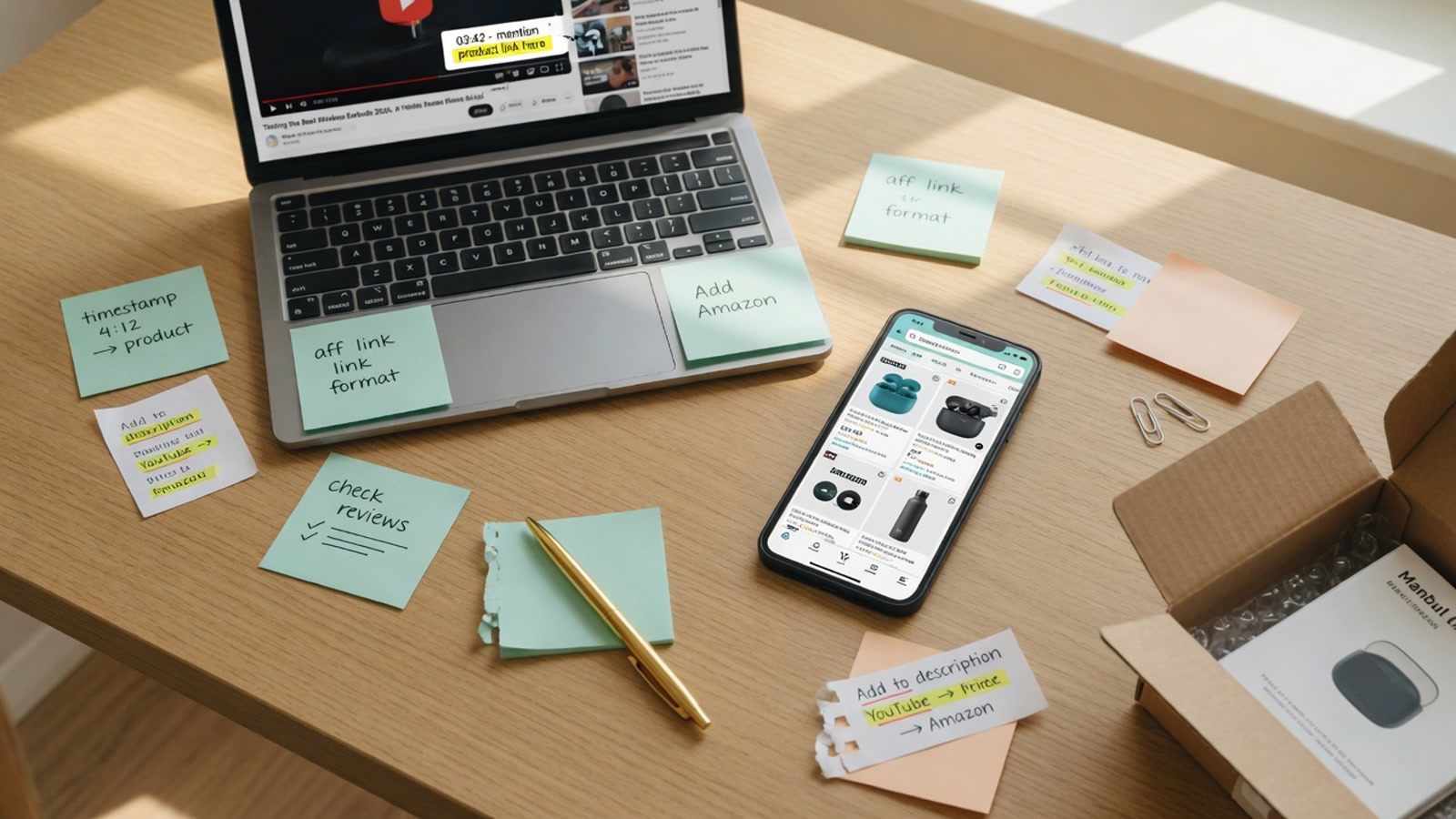
Add Amazon affiliate links to YouTube videos
Use relevant physical products, your Associates tag, clear placement, and appropriate disclosure.
Read the guide →
Build an Amazon-focused channel plan
Choose product-rich videos, publish reviewed Amazon links, and measure results.
Read the guide →