
Amazon Associates field guide
Amazon affiliate links on YouTube: how to add and disclose them
Turn products already supported by a video’s transcript into useful Amazon links, preserve the timestamp context, and keep the final review and disclosure decisions in your hands.
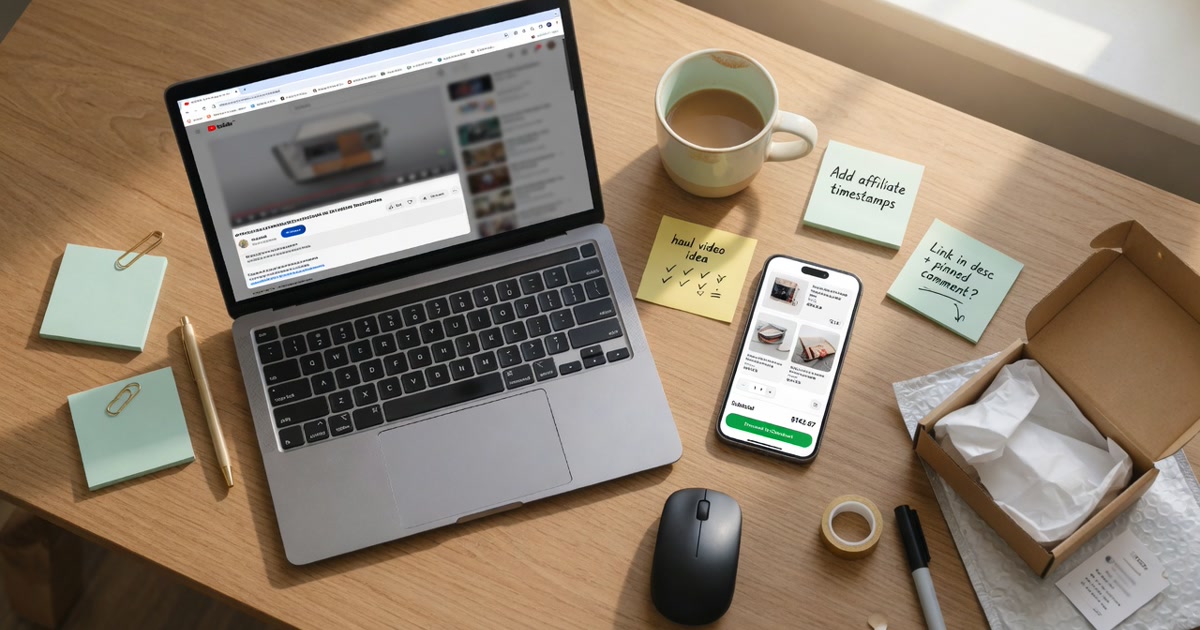
The short answer
Add Amazon affiliate links only for products that genuinely belong with the video. Use your own Associates tracking ID, verify every destination, place a clear disclosure near the links, and publish the reviewed copy yourself.
Monetize Mentions shortens the mechanical work. It reads available captions, identifies transcript-supported physical products, creates timestamped Amazon URLs, and packages them with chapters, tags, and editable description copy. It does not enroll you in Amazon Associates or decide whether your final use complies with current program terms.
Know the boundary
The generator prepares links; the creator approves them.
Monetize Mentions
- Reads captions and public video metadata
- Finds physical products supported by the transcript
- Builds Amazon search or direct-product URLs
- Adds your optional Associates tag and draft disclosure
You, the creator
- Maintain an eligible Amazon Associates account
- Verify each product, URL, and tracking ID
- Review current Amazon, YouTube, and legal requirements
- Edit and publish the final description in YouTube Studio
A review-first process
How to add Amazon affiliate links to a YouTube video.
- 01
Start with a product-rich video
Choose a video where physical products are named, shown, compared, or used. Available captions give the generator evidence and timestamps to work from.
- 02
Generate the Amazon-ready kit
Paste the YouTube URL, select Product links, and add your own Amazon Associates tracking ID if you want tagged links and disclosure copy.
- 03
Verify every product
Open each destination and confirm it matches the item discussed in the video. Replace a broad search link when you know the exact model.
- 04
Keep the useful context
Preserve the product name and timestamp so a viewer can understand why the link belongs in the description.
- 05
Disclose and publish
Keep the required Amazon Associate statement, add any other disclosure your content requires, then paste the reviewed description into YouTube Studio yourself.
A useful description block
Give every Amazon link enough context to earn the click.
A bare list of URLs makes viewers guess. Keep the product name, the closest useful timestamp, and a concise reason the item appears in the video. Remove anything the transcript does not support.
As an Amazon Associate I earn from qualifying purchases.
02:18 · Compact travel charger — [reviewed Amazon link]
07:31 · Lightweight camera tripod — [reviewed Amazon link]
The generator’s output is editable. Replace a search result with the exact product page when you can verify the model, or keep the narrower search link when the transcript only supports a category.
Before publishing
Use the generated disclosure as a starting point.
Amazon’s current U.S. Operating Agreement requires Associates to identify themselves clearly, and Amazon’s disclosure guidance also calls for a clear, conspicuous disclosure near affiliate links. YouTube separately requires creators to declare paid promotion when the content falls within its paid-promotion policy.
- Keep the Amazon Associate identification statement visible.
- Place link-level disclosure where viewers can notice it.
- Use only the tracking ID attached to your own account.
- Confirm that your channel or social property is listed where Amazon requires it.
- Review the current rules again whenever Amazon or YouTube changes them.
Existing videos
Start with videos where product intent is already obvious.
Gear lists and setups
Viewers already expect specific products and model names.
Reviews and comparisons
Keep the description aligned with the conclusion in the video.
How-to demonstrations
Link only the tools and materials actually used or discussed.
Evergreen travel and home videos
Refresh useful items while checking that listings still match.
Common questions
Amazon link questions from YouTube creators.
Can I put Amazon affiliate links in a YouTube description?
Amazon Associates can be used with social-media content covered by your account, subject to the current Operating Agreement and Program Policies. Register the channel or social-media property Amazon requires, use your own tagged links, and follow YouTube and applicable disclosure rules.
Does Monetize Mentions create an Amazon Associates account?
No. You enroll with Amazon directly. Monetize Mentions accepts an optional tracking ID that you already control and adds it to generated Amazon URLs.
Does the generator guarantee the exact Amazon listing?
No. It returns a direct product page when optional enrichment finds a plausible result and otherwise returns an Amazon search page. The creator must verify every product and destination before publishing.
What disclosure does the upload kit include?
When a tracking ID is supplied, the draft includes the Amazon Associate identification statement. You remain responsible for clear link-level disclosure and any additional disclosure required by Amazon, YouTube, or applicable law.
Keep the evidence attached
Find the product, verify the link, then publish.
Build the Amazon-ready parts from the transcript while the video is fresh, then make the final product and disclosure decisions yourself.